

 Blog
Blog
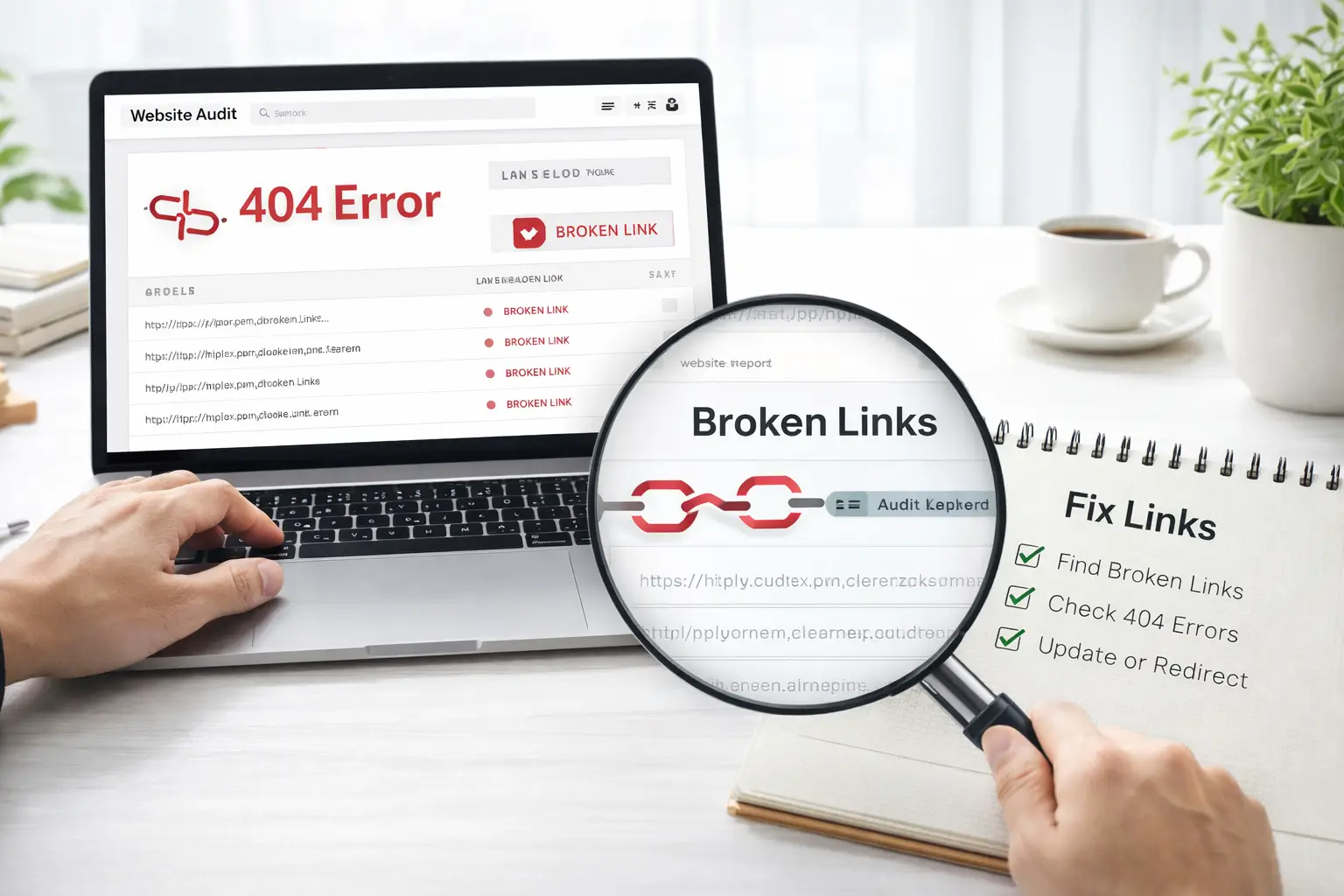


Broken links are one of the most common technical SEO problems that can negatively impact your Shopify store’s performance. If not fixed quickly, they can harm your user experience, search rankings, and overall website credibility.
In this guide by Spiderwares, we will explain what broken links are, why they occur, how they affect your SEO, and the best ways to identify and fix them.
What Are Broken Links?
A broken link, often called a dead link, is a hyperlink that leads to a page that no longer exists or cannot be accessed.
When a user clicks on a broken link, they usually see an error page such as:
- 404 – Page Not Found
- 400 – Bad Request
- 502 – Bad Gateway
These errors occur when the destination page has been removed, moved, or incorrectly linked.
Broken links create a frustrating experience for users and can negatively impact your Shopify store’s SEO.
Why Do Broken Links Occur?
There are several reasons why broken links appear on websites, especially on ecommerce stores where pages are frequently updated.
Below are the most common causes.
1. Deleted or Moved Pages
One of the most common causes of broken links is when a page is deleted or moved without updating the links that point to it.
For example, if a Shopify store creates a seasonal promotion page like:
example.com/new-year-sale
and later removes the page after the sale ends, all existing links pointing to that page will lead to a 404 error unless a redirect is set up.
This often happens with:
- Seasonal sales pages
- Discontinued products
- Old blog posts
- Removed collections
2. Incorrect URLs
Broken links can also occur due to incorrectly written URLs.
For example:
Correct URL:
example.com/products/white-top
Incorrect URL:
example.com/products/white-to%p
Even a small typo in a URL can prevent the server from understanding the request, resulting in a 400 Bad Request error.
These errors typically occur when:
- URLs are manually entered incorrectly
- Special characters are added accidentally
- Links are copied incorrectly
3. Website Structure Changes
When websites are redesigned or their structure changes, existing links may stop working.
For example, if a page URL changes from:
example.com/products
to
example.com/store/products
any old links pointing to the previous URL will return a 404 error unless they are updated or redirected.
This issue often occurs during:
- Website redesigns
- CMS migrations
- Shopify theme changes
- Store restructuring
4. Broken Image Links
Broken links are not limited to web pages. Images can also break if the image file is deleted or moved.
When this happens, users see an empty placeholder or a broken image icon.
This usually occurs when:
- Image files are removed from the server
- File paths are changed
- Images are uploaded incorrectly
Even though the HTML code still references the image, the file itself no longer exists.
5. Domain Changes
If a website changes its domain name, links pointing to the previous domain may stop working.
This can result in errors such as 502 Bad Gateway, which indicates that the server cannot reach the requested destination.
Domain changes require proper redirects to ensure that users and search engines can still access the content.
6. Faulty Plugins or Apps
Third-party plugins and apps can also create broken links.
Many websites use plugins for features such as:
- Social sharing buttons
- Product recommendations
- External integrations
If these plugins become outdated or are no longer maintained, they may generate broken links.
Why Broken Links Are Bad for SEO
Broken links do more than just frustrate users. They can significantly affect your Shopify store’s search engine rankings.
Here are the main reasons why fixing broken links is important.
Poor User Experience
When visitors click on a link expecting useful information but instead land on an error page, it creates a poor user experience.
This often leads to users leaving your website immediately and searching for alternatives.
A poor user experience can damage your brand reputation and reduce the chances of visitors returning to your store.
Higher Bounce Rates
A bounce rate represents the percentage of visitors who leave your website after viewing only one page.
Broken links often increase bounce rates because users abandon your site when they encounter errors.
A high bounce rate sends negative signals to search engines and can affect your rankings.
Crawl Budget Issues
Search engines like Google use crawlers (Googlebot) to explore and index websites.
However, each website has a limited crawl budget, which determines how many pages search engines will crawl during a visit.
If Googlebot encounters many broken links, it wastes valuable crawl time on error pages instead of indexing your important content.
This can prevent your pages from ranking in search results.
Signals of Poor Website Maintenance
Broken links may also signal to search engines that your website is outdated or poorly maintained.
For example:
- Linking to pages that no longer exist
- Having many outdated external links
- Multiple error pages across the site
These signals can reduce your website’s credibility and affect SEO performance.
How to Find Broken Links on Your Website
Finding broken links is the first step toward fixing them. Fortunately, several methods can help you identify them quickly.
1. Manual Checking
Manual checking involves going through your website and testing each link individually.
Steps include:
- Open each page of your website
- Click every link to verify it works
- Look for 404 or error pages
- Check that images and files load properly
While this method works for small websites, it becomes inefficient for larger stores with hundreds of pages.
2. Browser Extensions
Browser extensions provide a quick way to identify broken links on individual pages.
Popular tools include:
- Check My Links (Chrome)
- Link Checker (Firefox)
These extensions scan a webpage and highlight:
- Working links in green
- Broken links in red
They are ideal for small to medium websites.
3. Online Broken Link Checker Tools
Online tools provide a more comprehensive way to identify broken links across your entire website.
Recommended tools include:
Dead Link Checker
Scans individual pages or full websites and identifies broken links.
Ahrefs Broken Link Checker
A powerful SEO tool that provides detailed reports of broken internal and external links.
Google Search Console
Helps identify crawl errors and pages returning 404 errors.
These tools crawl your website and generate a report showing:
- Broken links
- Their location on the website
- The type of error encountered
4. Desktop SEO Tools
Advanced users can also use desktop SEO tools to detect broken links.
One of the most popular tools is:
Screaming Frog SEO Spider
This tool crawls your website and identifies issues such as:
- Broken links
- Redirect chains
- Missing meta tags
- Server errors
The free version can crawl up to 500 URLs, making it useful for many small and medium websites.
How to Fix Broken Links on Your Website
Once you identify broken links, the next step is fixing them.
Here are the most effective solutions.
Update the Link
If the page still exists but has moved to a new URL, simply update the link to the correct address.
This is the easiest and fastest fix.
Use 301 Redirects
If a page has permanently moved, set up a 301 redirect to send visitors to the new page.
A 301 redirect:
- Maintains SEO value
- Prevents users from seeing error pages
- Helps search engines understand the new URL
Remove the Broken Link
If the page no longer exists and there is no relevant replacement, it may be best to remove the link entirely.
Make sure removing the link does not negatively affect the page content.
Replace with Relevant Content
If you removed an old page but created similar or updated content, update the link to point to the new page.
This ensures users can still access helpful information.
Fix Broken Internal Links
Internal links help search engines understand your website structure.
To fix broken internal links:
- Update links pointing to moved pages
- Set up redirects when URLs change
- Review links after website restructuring
For example, if a page URL changes from:
example.com/products
to
example.com/shop/products
all internal links should be updated accordingly.
Fix Broken External Links
External links can break when other websites change or remove content.
To fix them:
- Update the link with the new URL if available
- Replace the link with a similar resource
- Remove the link if no replacement exists
Maintaining healthy external links helps keep your content valuable and trustworthy.
Final Thoughts
Broken links can quietly damage your Shopify store’s SEO, user experience, and credibility if left unresolved.
By regularly auditing your website and fixing broken links quickly, you can maintain a healthy site structure and improve your search engine rankings.
At Spiderwares, we specialize in Shopify development, optimization, and SEO improvements to help ecommerce businesses build faster, more reliable stores.