

 Blog
Blog
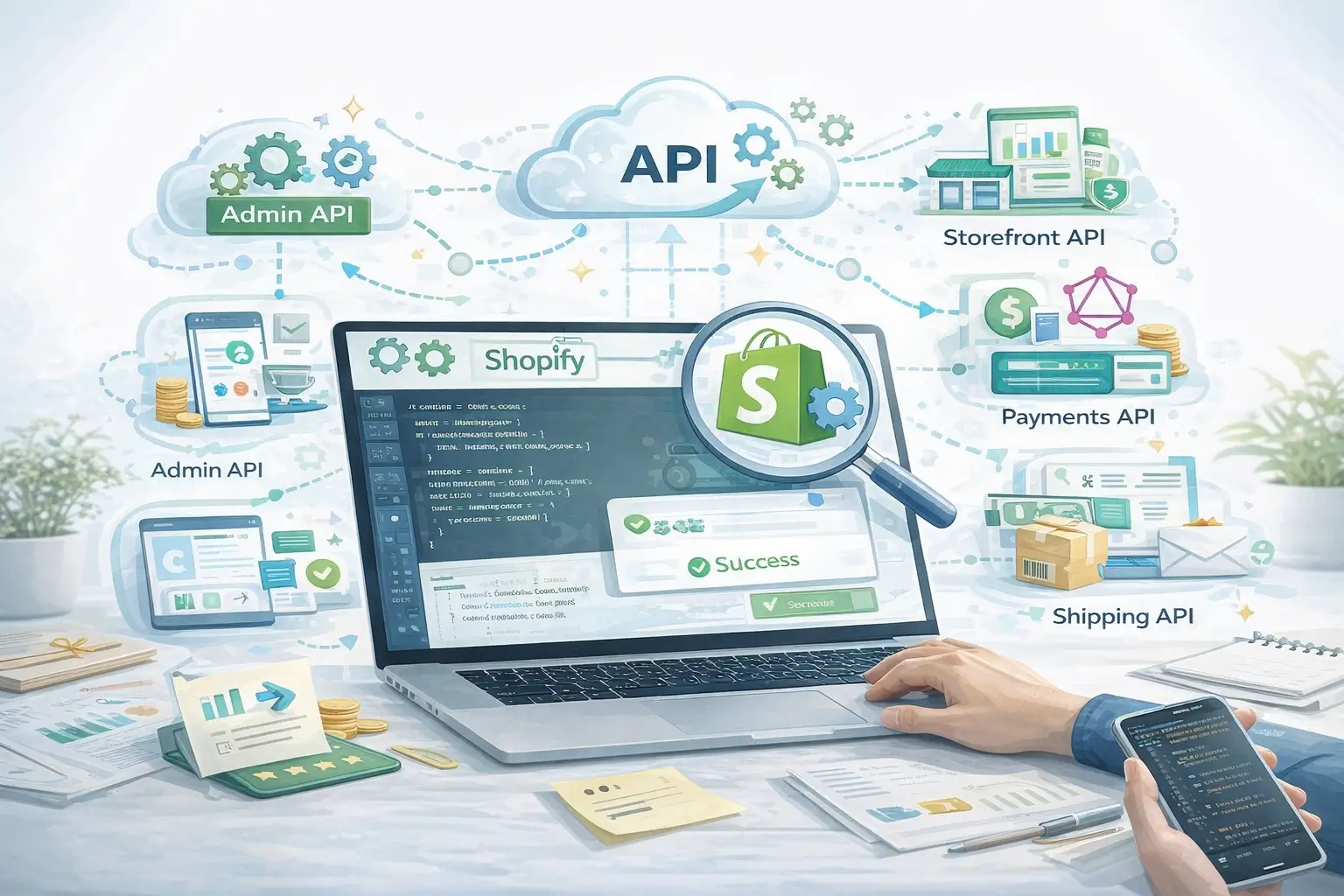


In today’s fast-moving ecommerce landscape, delivering a smooth and personalized shopping experience is essential for retaining customers and staying competitive.
As one of the leading ecommerce platforms, Shopify offers powerful APIs that allow developers and merchants to create custom integrations and advanced store functionality. With these APIs, businesses can automate workflows, connect external tools, and build tailored solutions that match their specific needs.
In this guide, we’ll explore how Shopify APIs work, their benefits, and how you can use them to build custom integrations for your store.
Understanding Shopify APIs and Their Benefits
APIs (Application Programming Interfaces) act as communication bridges between different software systems. They allow applications to exchange data and perform tasks without manual intervention.
Shopify provides several APIs that give developers programmatic access to store data and core platform features. This allows businesses to automate processes, integrate third-party tools, and customize their storefront and backend operations.
Here are some major advantages of using Shopify APIs.
Tailored Customer Experiences
Shopify APIs enable developers to create customized storefronts and backend workflows that align with specific business goals and customer preferences.
Streamlined Workflows
Businesses can automate repetitive tasks such as inventory updates, order processing, and customer data synchronization. This reduces manual work and minimizes operational errors.
Improved Scalability
APIs allow businesses to build scalable systems that can grow with increasing traffic, product catalogs, and order volumes.
Integration with External Systems
Shopify APIs make it possible to connect your store with other tools like CRM systems, ERP platforms, payment processors, marketing platforms, and shipping services.
Core Shopify APIs You Should Know
Shopify provides several APIs that developers can use to extend the functionality of their stores. Below are some of the most commonly used APIs and what they offer.
Admin API
The Admin API is one of the most important APIs within the Shopify ecosystem. It allows developers to manage store resources such as products, orders, customers, and inventory.
Key capabilities include:
- Creating and updating product listings
- Retrieving and managing order information
- Updating order fulfillment status
- Accessing and modifying customer data for marketing and support purposes
This API is commonly used for building automation tools and backend integrations.
Storefront API
The Storefront API enables developers to build custom shopping experiences for customers.
It is particularly useful for headless commerce setups, where the frontend storefront is separated from the backend ecommerce system.
Key features include:
- Accessing product details, collections, and inventory information
- Managing customer accounts and authentication
- Handling carts and checkout flows
- Building custom storefront interfaces
This API gives developers full flexibility to create unique user experiences beyond the default Shopify themes.
GraphQL API
Shopify also supports GraphQL, a modern query language that allows developers to request exactly the data they need.
Unlike traditional REST APIs, GraphQL reduces unnecessary data transfers and improves application performance.
Key advantages include:
- Retrieving only the required data in a single request
- Creating customized queries to avoid over-fetching data
- Accessing real-time product, order, and customer information
- Structuring responses according to specific application needs
- Querying multiple Shopify resources in one request
This makes GraphQL an efficient solution for complex applications and integrations.
Shopify Payments API
The Shopify Payments API helps merchants enhance their payment workflows and manage transaction processes more efficiently.
Key capabilities include:
- Integrating various payment gateways with Shopify stores
- Accessing and managing transaction details
- Tracking payouts and financial settlements
- Creating custom payment flows such as subscriptions or installment payments
- Supporting secure, PCI-compliant transactions
This API is essential for businesses that want to customize their payment experiences.
Billing API
The Billing API is mainly used by developers who build Shopify apps that charge merchants for services.
It simplifies the process of managing subscriptions, billing cycles, and app charges.
Key features include:
- Managing recurring subscriptions and one-time charges
- Offering free trials and custom billing models
- Generating automated invoices
- Supporting flexible pricing structures like usage-based or tiered plans
- Accessing revenue reports and billing insights
This API ensures a seamless billing experience within the Shopify ecosystem.
Steps to Use Shopify APIs for Custom Integrations
Building a Shopify API integration involves several steps. Following a structured approach helps ensure a smooth implementation.
1. Define Your Objective
Start by identifying the problem you want to solve with the integration.
For example, you might want to:
- Create a custom analytics dashboard
- Connect Shopify with a CRM or ERP system
- Automate inventory updates
- Build a custom checkout experience
Having a clear goal makes the development process much easier.
2. Create a Shopify Partner Account
To access Shopify APIs, you first need to create a Shopify Partner account.
Once registered, you can create and manage apps that interact with Shopify stores.
Steps include:
- Visit the Shopify Partners website
- Sign up for a partner account
- Create a new app or register an existing application
3. Choose the Appropriate API
After setting up your partner account, select the API that best matches your requirements.
For example:
- Admin API for managing store operations
- Storefront API for building custom shopping interfaces
- GraphQL API for efficient data queries
Choosing the right API ensures better performance and simpler development.
4. Generate API Credentials
Once your app is created, Shopify will provide API credentials such as an API key and access token.
These credentials authenticate your application and allow it to securely interact with the Shopify store.
Always store these credentials securely to prevent unauthorized access.
5. Develop and Test the Integration
Next, start building your integration using Shopify’s developer documentation.
Shopify APIs support multiple programming languages, including:
- JavaScript
- Ruby
- Python
You can also use tools like Postman to test API requests and responses during development.
6. Deploy and Monitor the Integration
After testing your code, deploy the integration and monitor its performance.
Shopify provides logging and analytics tools that help developers identify issues, track API usage, and optimize performance.
Monitoring your integration regularly ensures it continues to function efficiently as your store grows.
Useful Tools and Resources for Shopify Developers
Several tools can make working with Shopify APIs easier.
Shopify API Documentation
Provides detailed guides, tutorials, and code examples.
Postman
A popular tool for testing API requests and debugging integrations.
GitHub
Developers can explore open-source Shopify apps and integration examples.
Shopify Community Forum
A place where developers can ask questions, share knowledge, and troubleshoot issues.
Final Thoughts
Using Shopify APIs opens up countless possibilities for customizing your ecommerce store. From automating workflows to integrating third-party tools and building personalized shopping experiences, APIs allow businesses to extend the platform far beyond its default capabilities.
By experimenting with Shopify’s API ecosystem and continuously improving your integrations, you can build a more efficient and scalable ecommerce operation.
With the right approach, Shopify APIs can help transform your store into a highly optimized platform that delivers exceptional experiences for customers while supporting long-term business growth.